The AI-First Release Communication Workflow
A practical workflow for turning every shipped product change into docs, changelogs, in-app announcements, tours, and feedback prompts.
2 minute read
Mukesh Swamy
Skills for PM
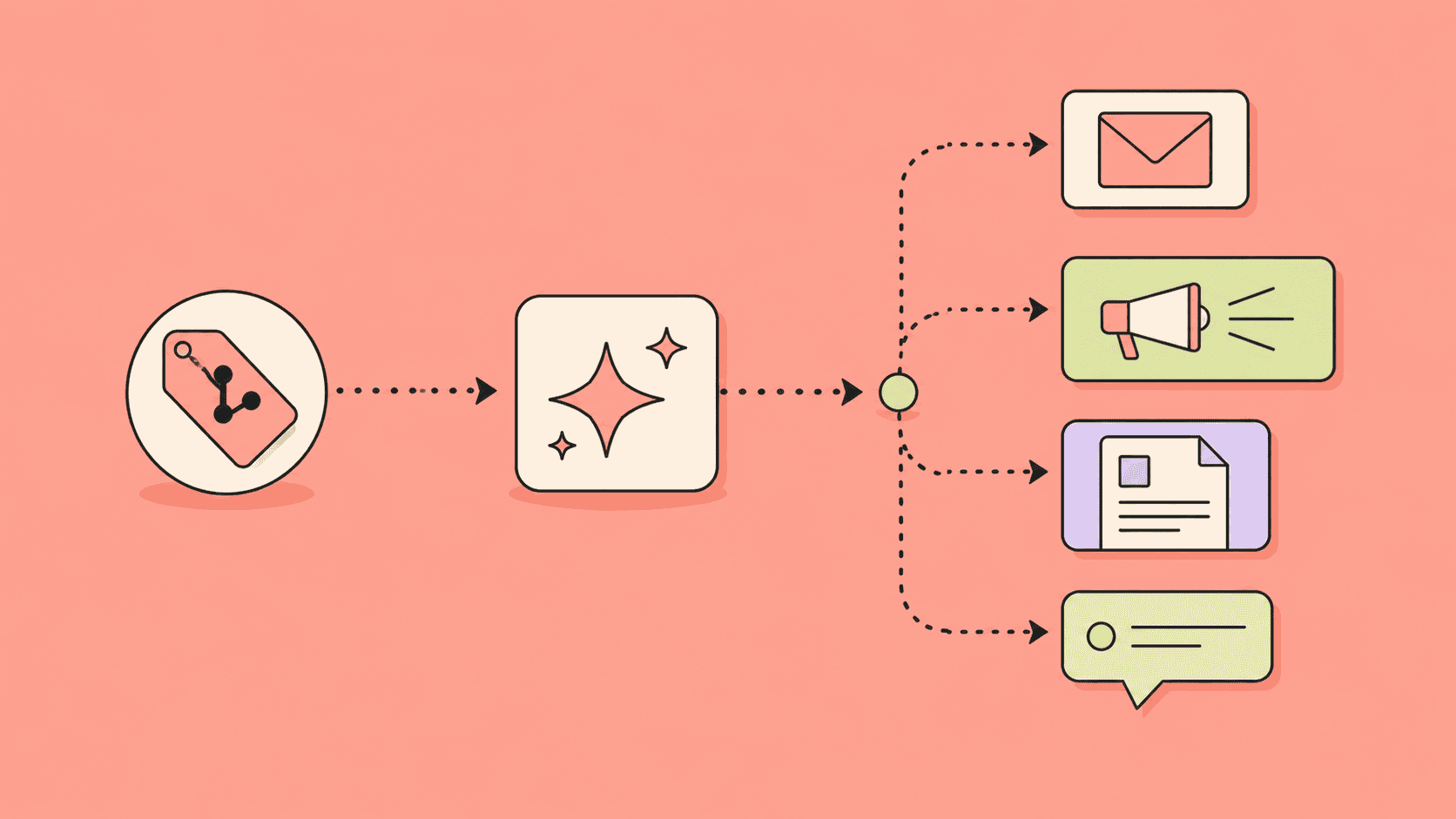
Shipping a feature is not the same as landing a feature. Users need to understand what changed, why it matters, and what to do next.
Release communication is everything that helps users discover, understand, and adopt what you shipped: changelogs, in-app announcements, help docs, tours, and feedback prompts. For AI-first product teams, it should become a repeatable system instead of a last-minute writing task.
Why does release communication break down?
Release communication breaks down because it is treated as an afterthought to shipping rather than part of the work. The traditional release workflow looks like this:
- Engineering merges a change.
- Someone posts a changelog or Slack note.
- Docs maybe get updated later.
- Onboarding tours usually stay stale.
- Support discovers the confusing parts from customer questions.
This is why customer-facing product content decays. The product changes faster than the communication system.
What does an AI-first release communication workflow look like?
An AI-first release communication workflow turns one shipped change into every required customer-facing update, in seven repeatable steps:
- Capture the change — What shipped? Which users are affected? What changed in behavior?
- Attach evidence — Why did we build it? Which feedback, tickets, or metrics supported it?
- Map affected surfaces — Docs, tours, checklists, announcements, changelog, surveys, and help content.
- Draft variants — Create versions for admins, end users, new accounts, active users, and dormant users.
- Review for accuracy — Confirm UI labels, permissions, edge cases, and availability.
- Publish by segment — Send the right message to the right users in the right surface.
- Measure and learn — Track adoption, confusion, support volume, and follow-up feedback.
A release communication brief
Give your AI agent this brief before it writes anything:
- Feature name
- Product area
- User segment
- Problem solved
- New behavior
- Old behavior
- Customer evidence
- Availability and rollout rules
- Screens or UI copy
- Docs to update
- Tour or checklist steps affected
- Success metric
- Reviewer
The brief keeps AI output grounded and reviewable.
What should you publish for each release?
For most meaningful launches, generate five assets:
- Changelog entry: concise, permanent, searchable.
- In-app announcement: timely, segmented, action-oriented.
- Help doc update: specific instructions and edge cases.
- Tour or checklist update: guidance inside the product workflow.
- Feedback prompt: a lightweight way to learn whether the change worked.
The Userorbit angle
Userorbit is built around this connected product experience layer. The interesting opportunity is not “AI writes release notes.” The bigger opportunity is that every product change can trigger a coordinated update across the surfaces customers actually experience.
The practical takeaway
Treat release communication as product work. If users do not discover, understand, and adopt the thing you shipped, the work is incomplete.
Frequently asked questions
What is release communication?
Release communication is everything that helps users discover, understand, and adopt a shipped product change: changelog entries, in-app announcements, help docs, onboarding tours, and feedback prompts.
What should you publish for each product release?
For most meaningful launches, generate five assets: a changelog entry, an in-app announcement, a help doc update, a tour or checklist update, and a feedback prompt.
How does AI change release communication?
AI turns release communication from a last-minute writing task into a repeatable workflow: one captured change plus its evidence generates drafts for every affected surface, with human review before anything is published.
Free resource
Get the AI-first PM workflow map
A practical checklist for turning discovery, feedback, releases, docs, tours, and surveys into repeatable AI-assisted workflows.
No spam. Unsubscribe anytime.